Questions about the features
Does the Pylon-Monitor show every cell of every battery?
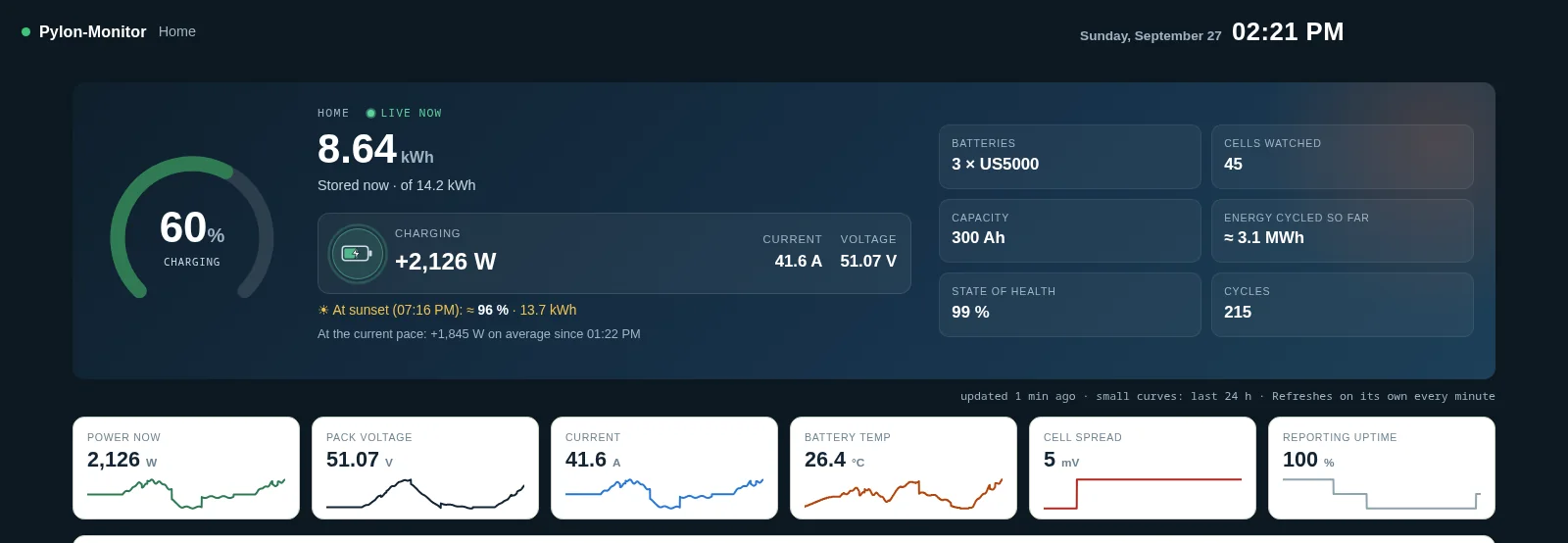
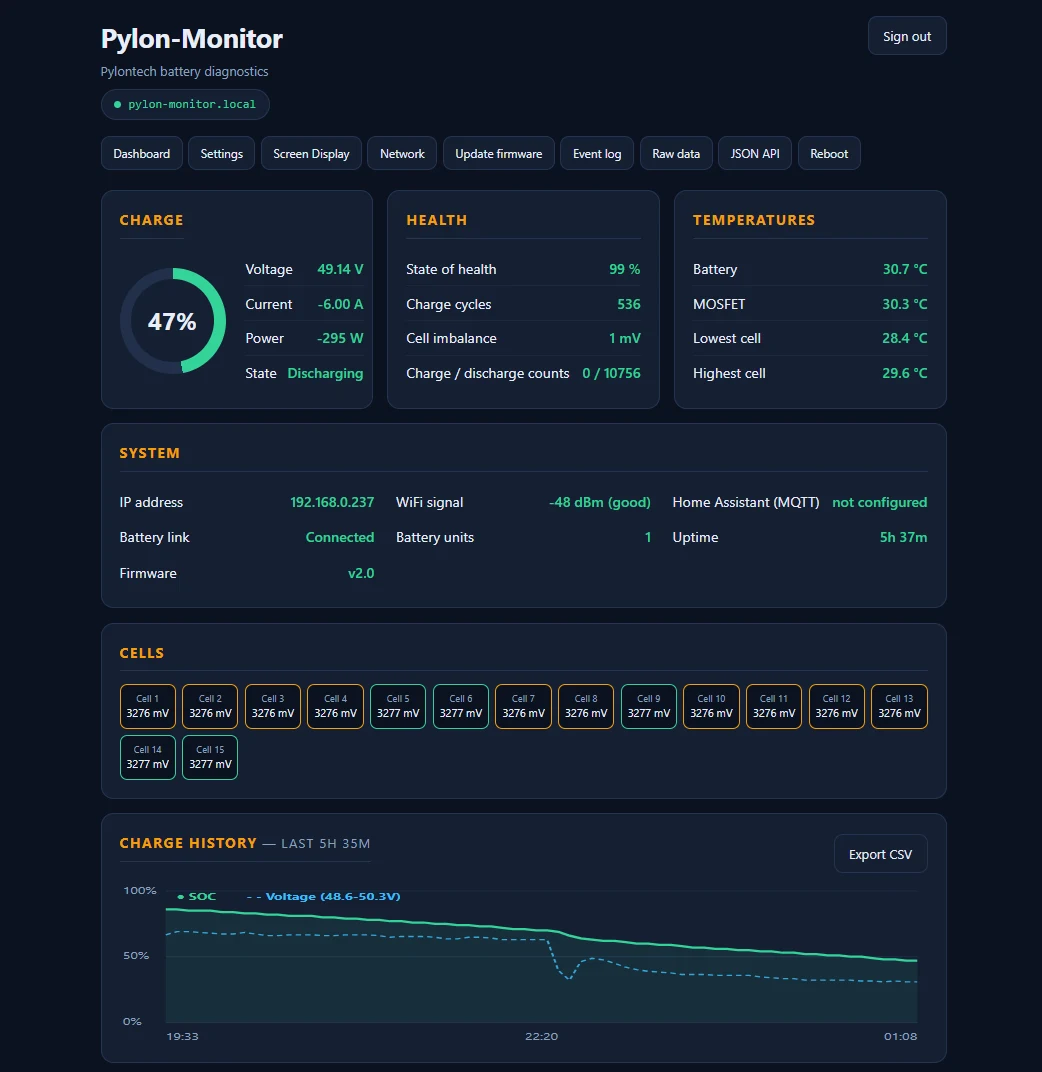
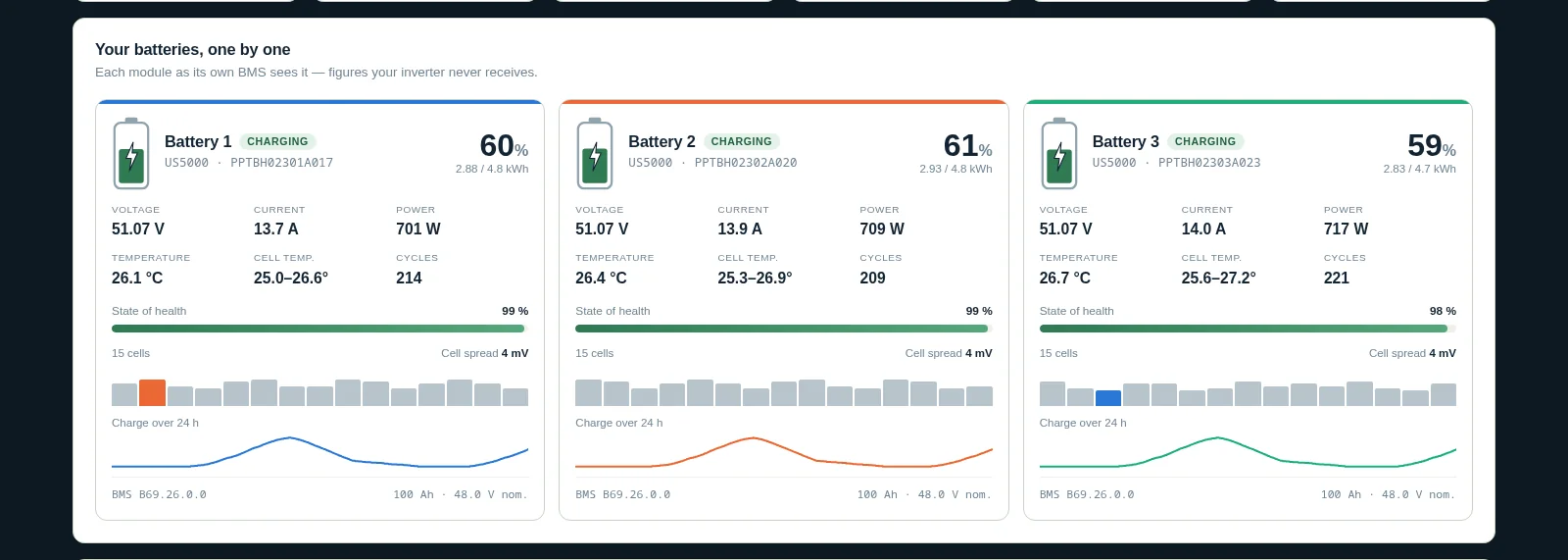
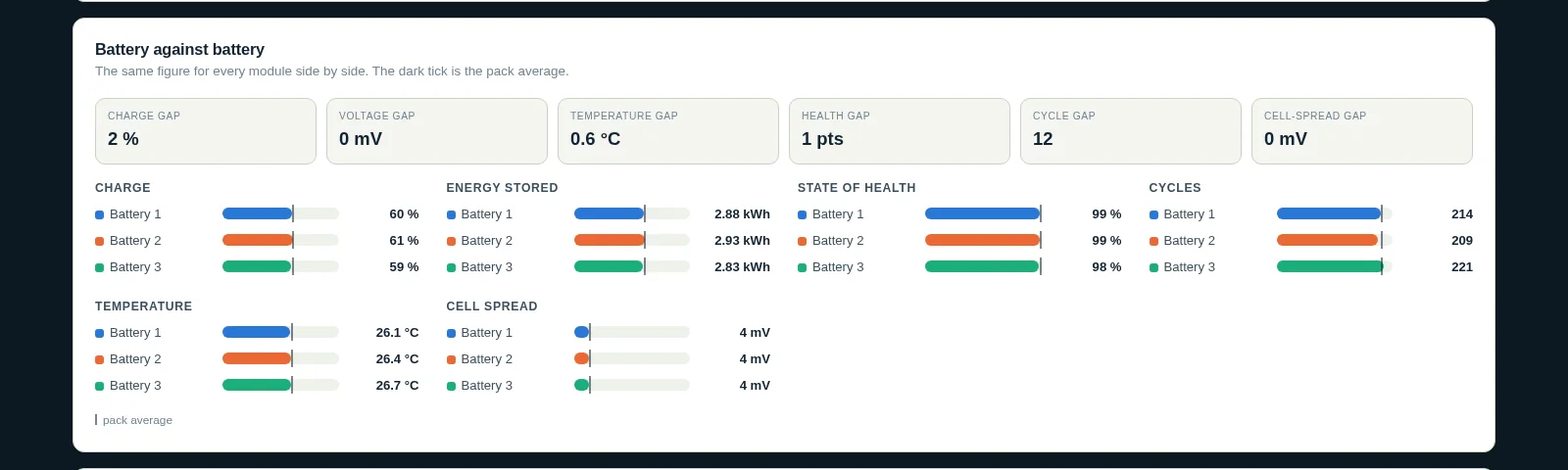
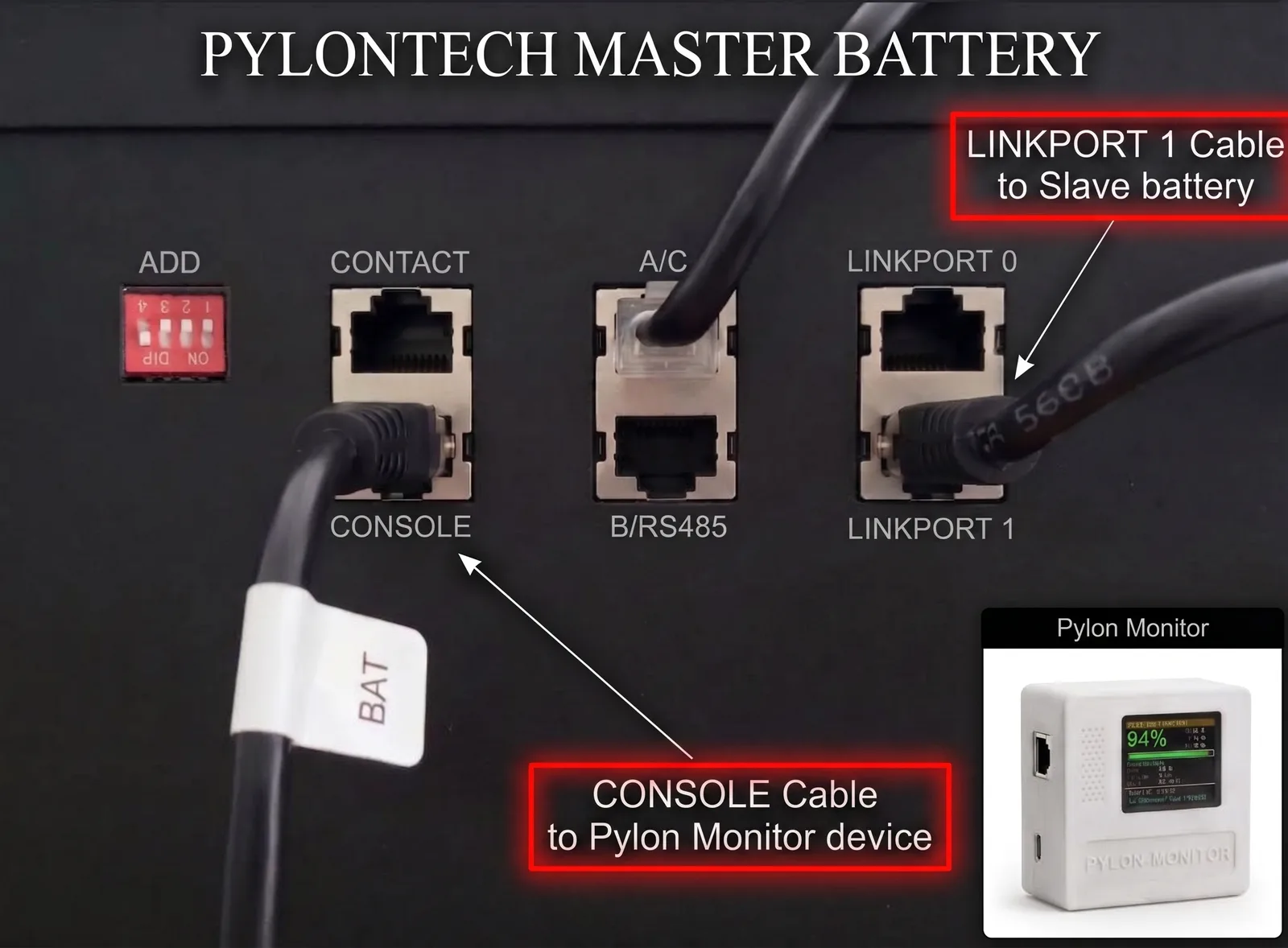
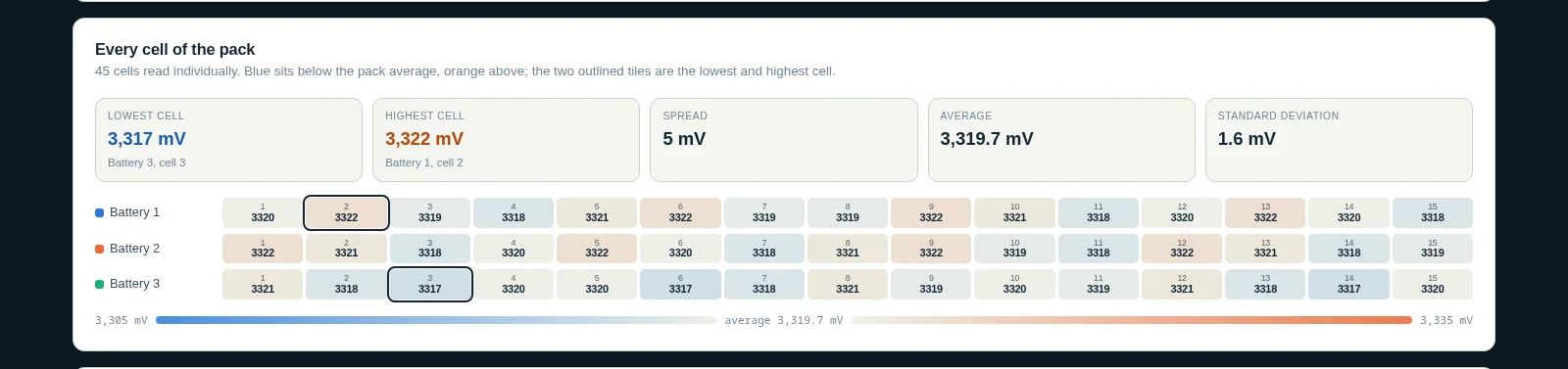
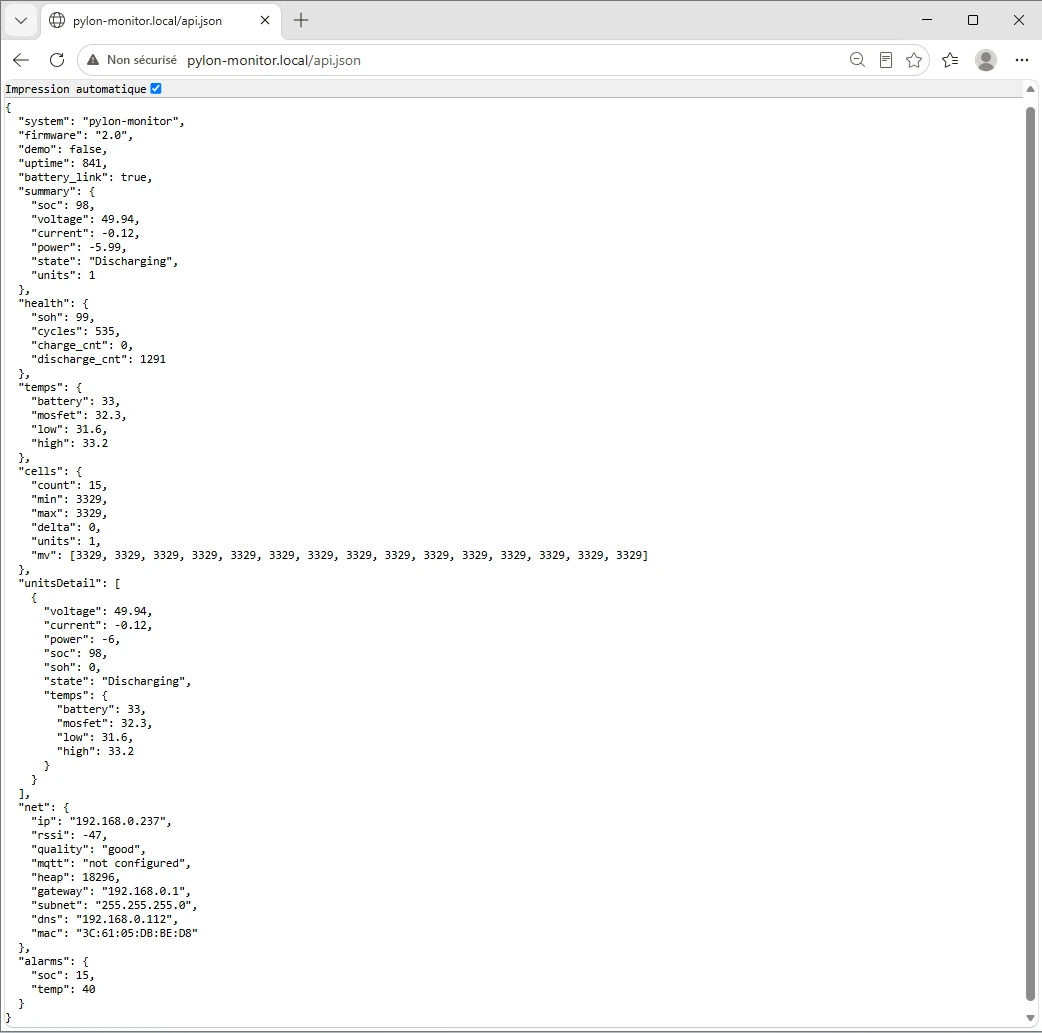
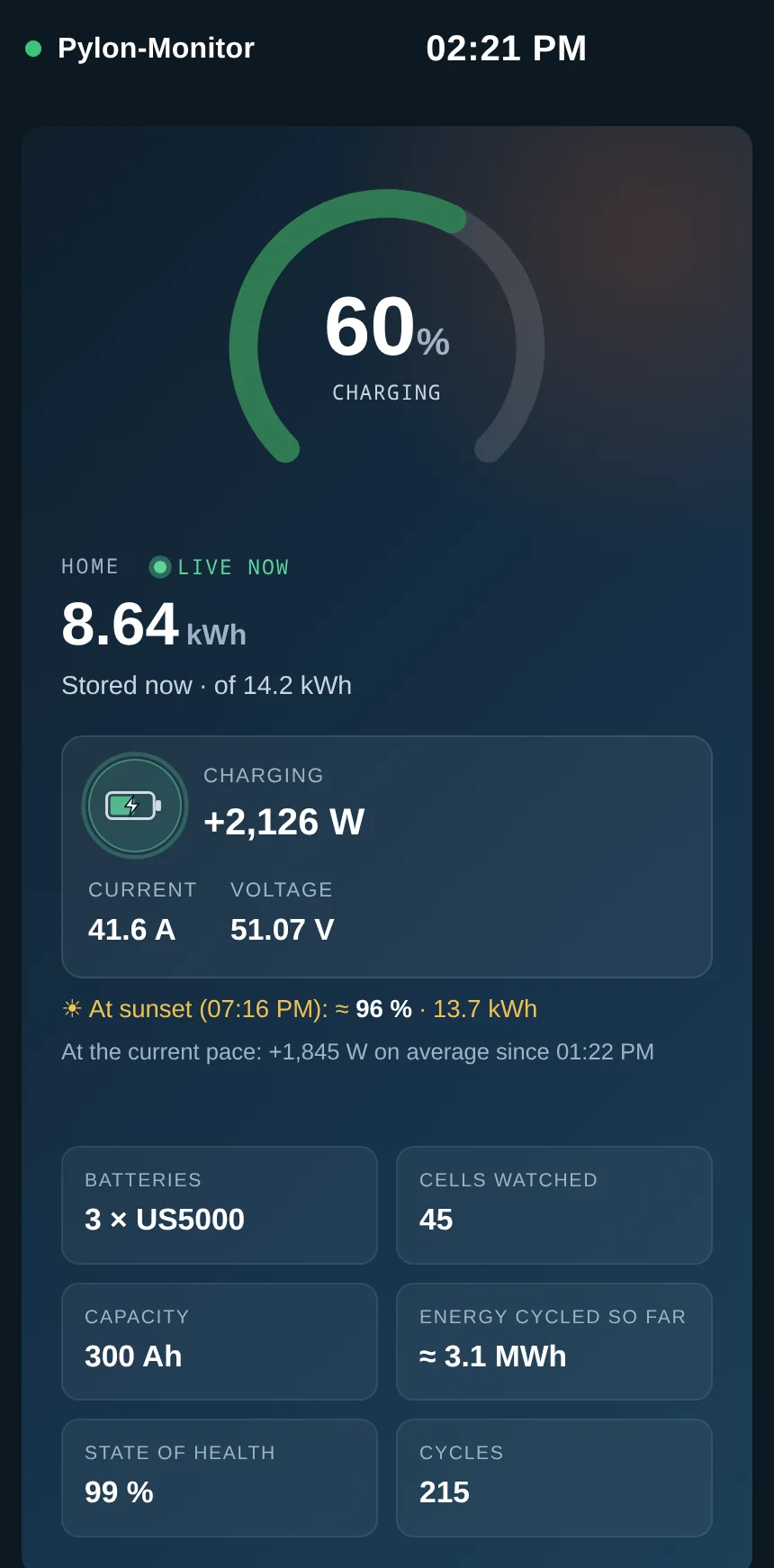
Yes. It reads the Pylontech Console port, which reports each battery individually with every cell voltage in mV, its temperatures, health and cycles — up to 16 batteries on one device.
Is the cloud free, and is it required?
It is free and optional. The device works fully on your own network; the Cloud adds remote access, 3 years of history and email alerts at no cost, and you can switch it off at any time.
Does it work with Home Assistant?
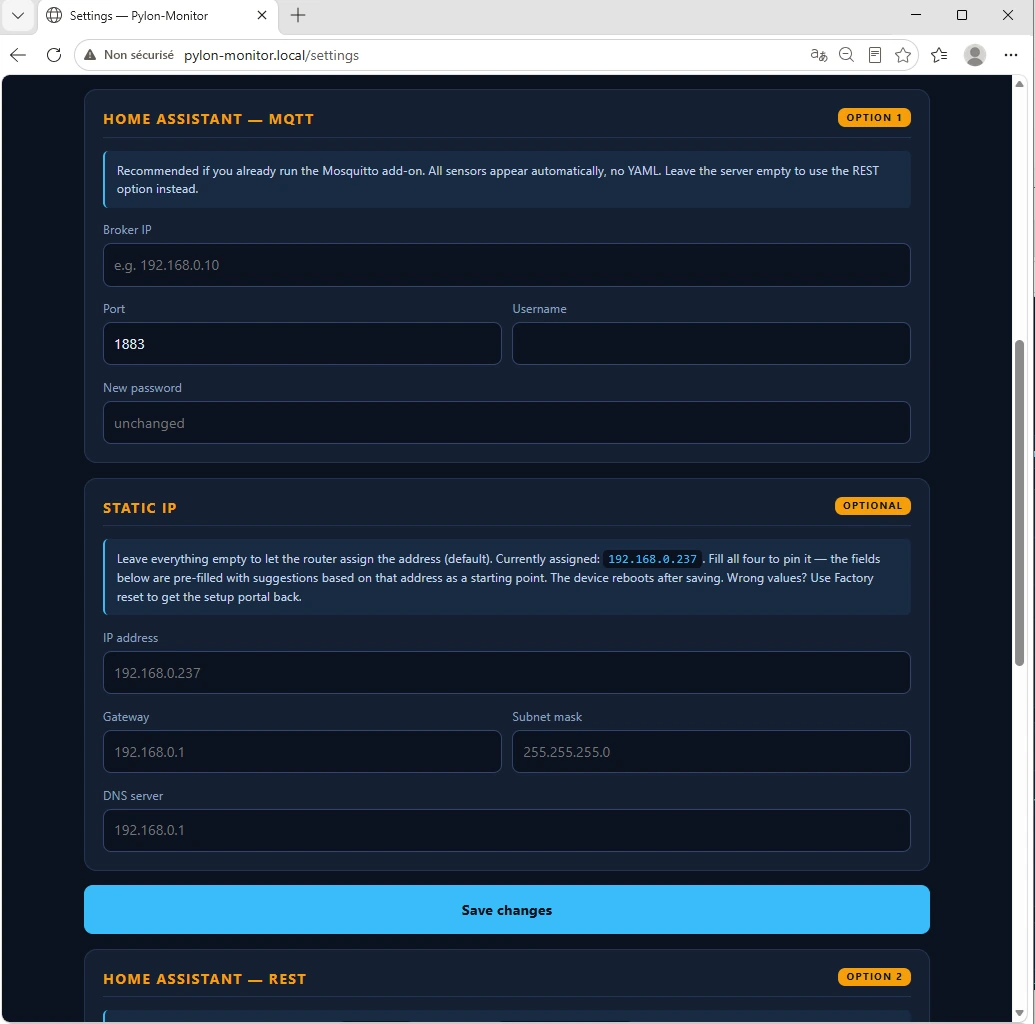
Yes: MQTT auto-discovery creates ten sensors with no YAML, or you can use the REST platform on the JSON API with a snippet the device generates for you.
Which Pylontech batteries are supported?
The low-voltage US and UP series (US2000, US3000, US5000, UP2500, UP5000, Force-L1…) and, since firmware 2.8 on generation 2, high-voltage Force H2 and H48050 packs behind their management unit — in beta: not yet confirmed on a real high-voltage pack.
Can it change settings on my battery?
No. It is read-only: the firmware contains no write command, so it cannot change anything on your batteries or affect their warranty.
What is the difference between the V2 and the Lite?
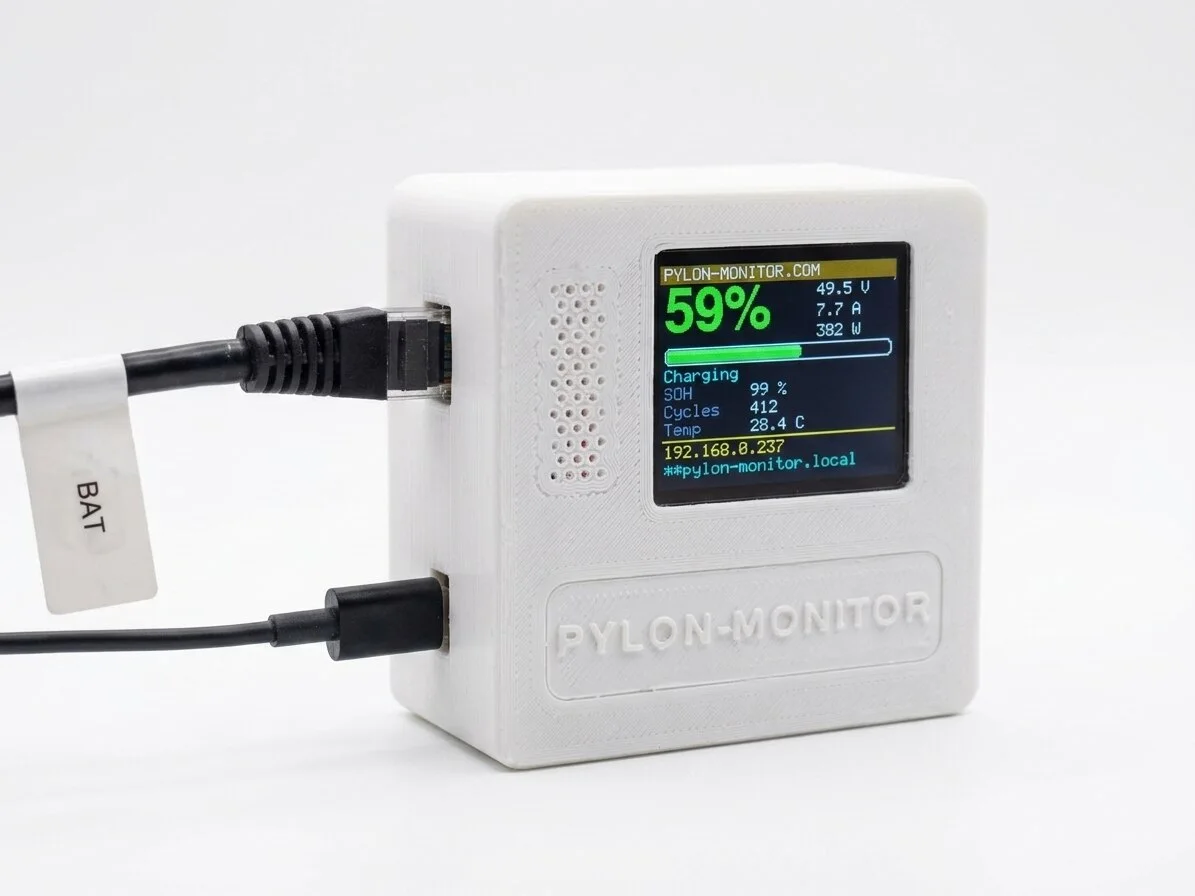
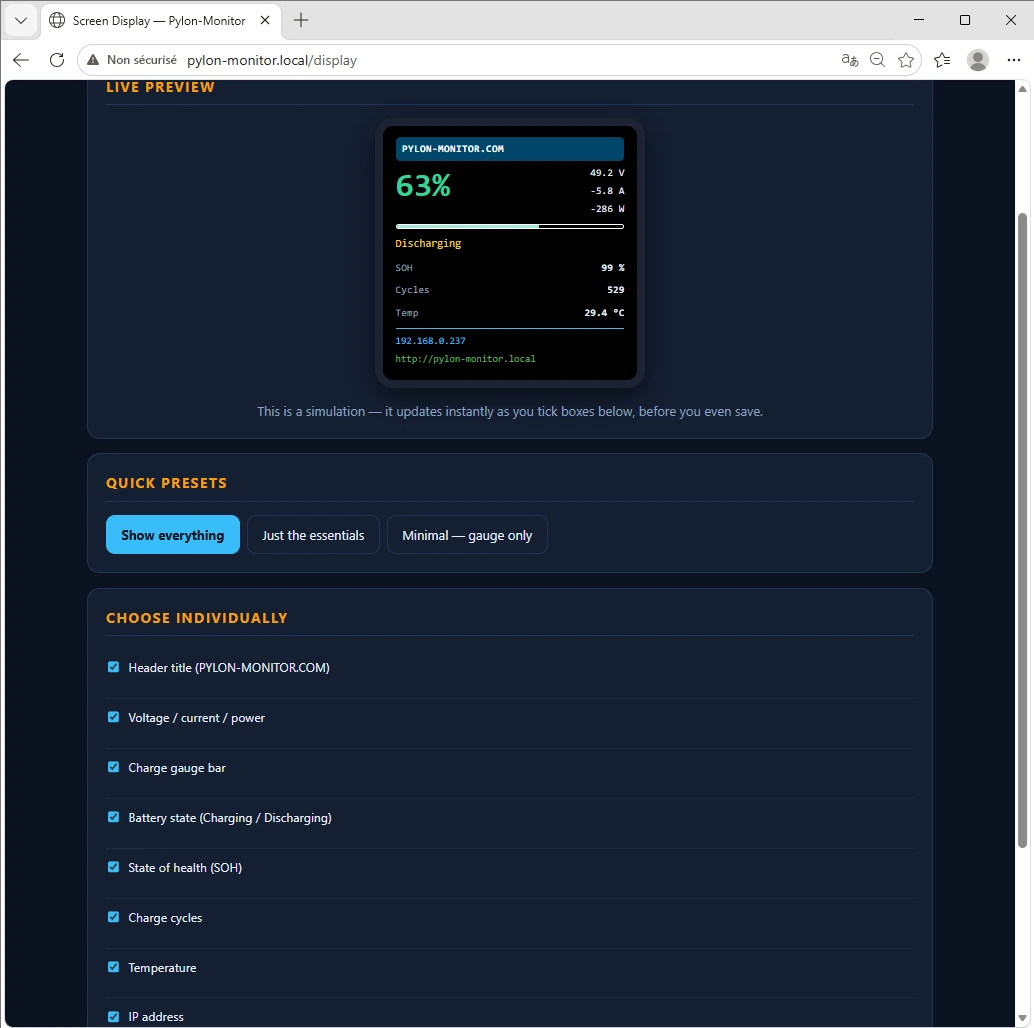
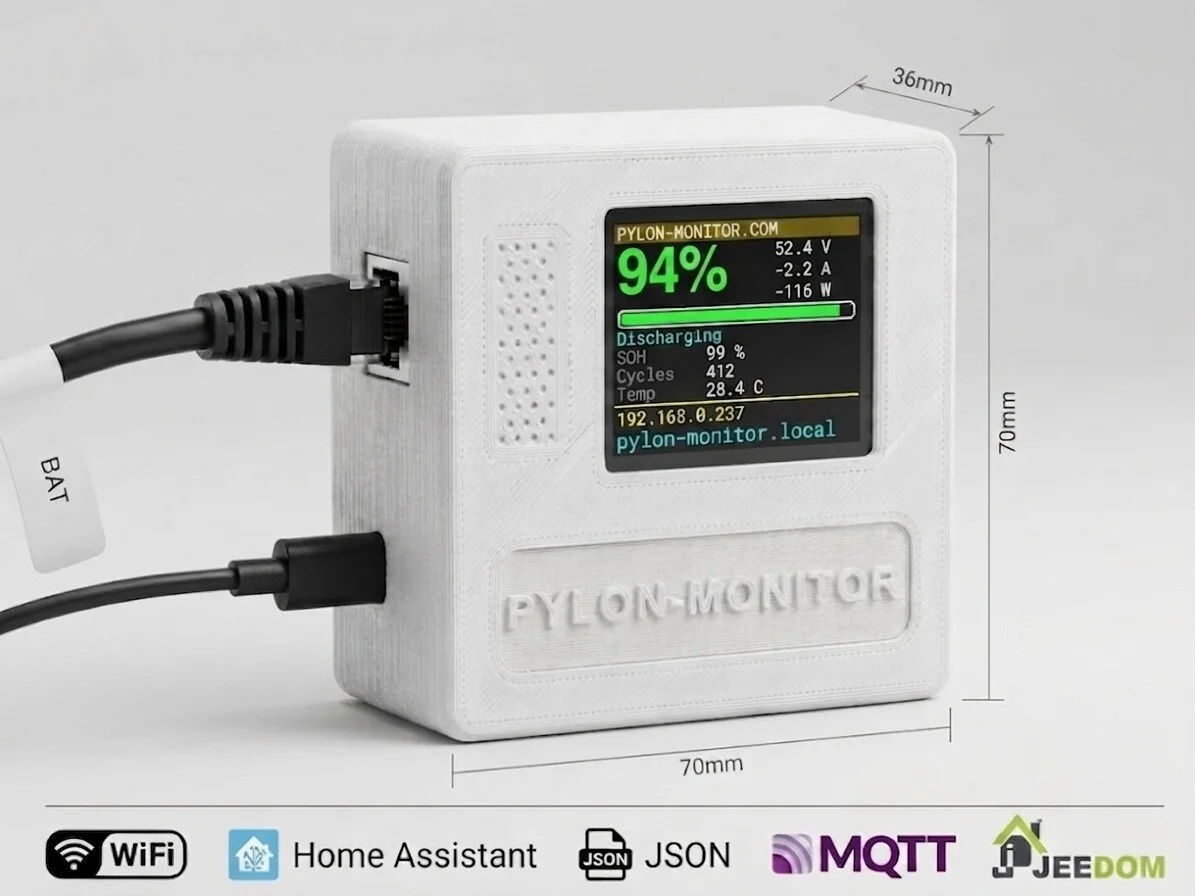
Only the screen. Both have the same firmware, dashboard, Cloud, Home Assistant support and API; the V2 adds a 1.8″ colour screen on the box.