Different BMS Firmware in One Pylontech Stack
Half of multi-battery stacks mix BMS versions. How to read B69.26.0.0, which differences can be aligned and which cannot, the symptoms that matter and how installers update.
Read the guide →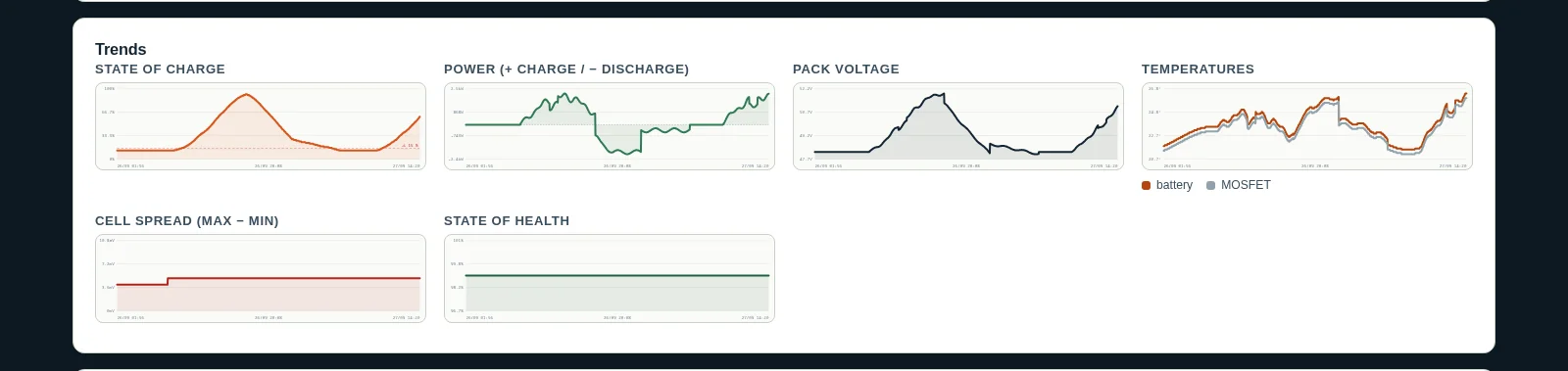
Pylontech Battery Warranty: Defect or Normal Ageing?
7 years, 10 when registered, 70 % capacity, 48 hours to report: what the warranty really says, how to tell a defect from ageing, and how to build a claim file.
Read the guide →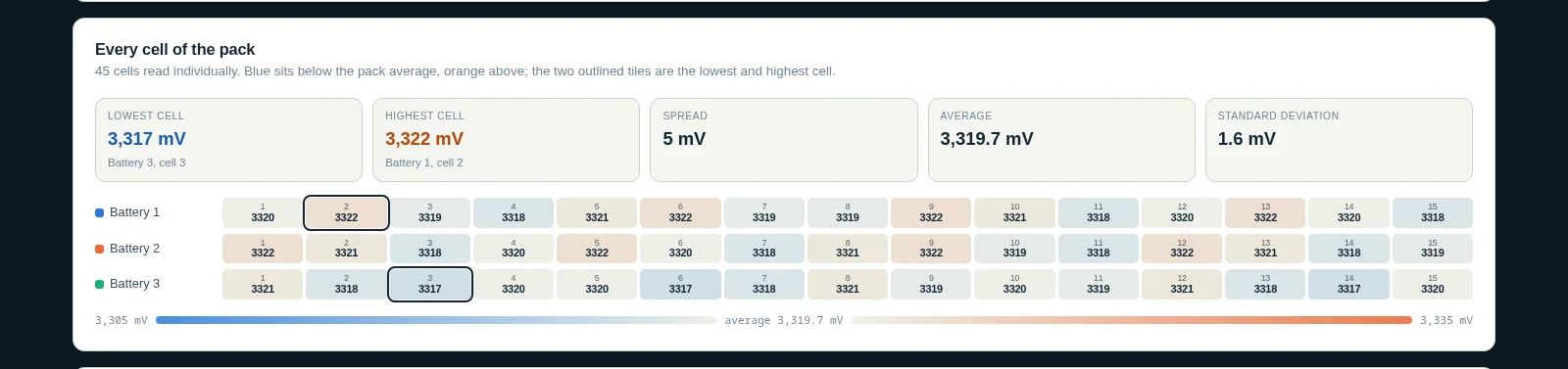
Charge Voltage, BOV and the Life of a Pylontech Battery
Charging less high is gentler on LFP cells, but a Pylontech balances only at the top. How to cap the charge without touching the BMS, keep cells together and keep the warranty.
Read the guide →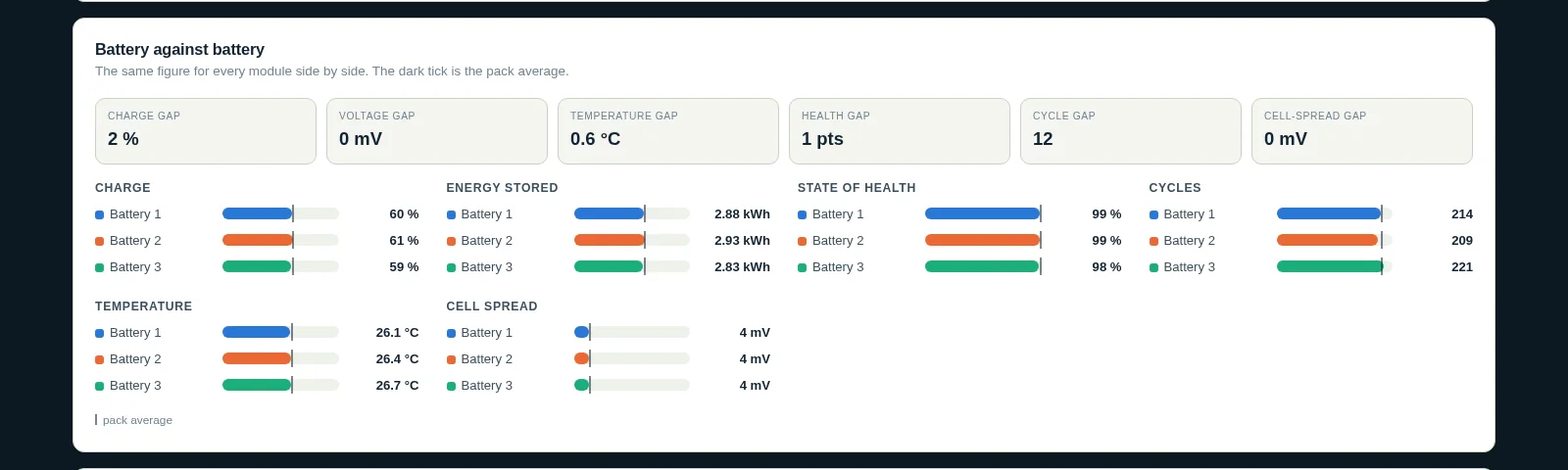
Pylontech LV-HUB: Wiring, Firmware and Troubleshooting
Up to six battery groups behind one hub: when you need an LV-HUB, how it is wired and started, why its own firmware matters, and the symptoms of an outdated one.
Read the guide →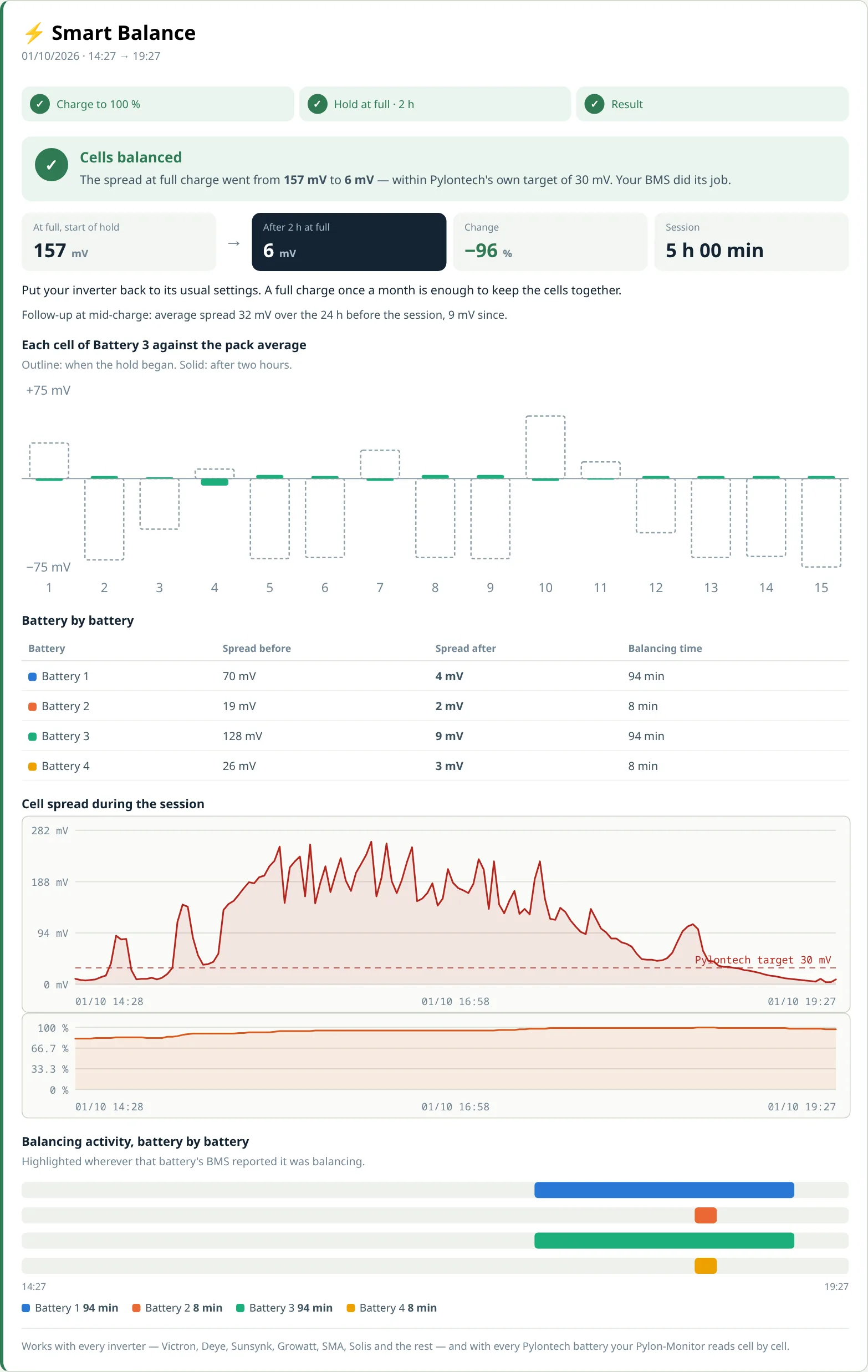
Pylontech Force Balance & Smart Balance
Smart Balance tells you when your cells need balancing; Force Balance does it on demand in about two hours, with any inverter, and reports the result cell by cell.
Read the guide →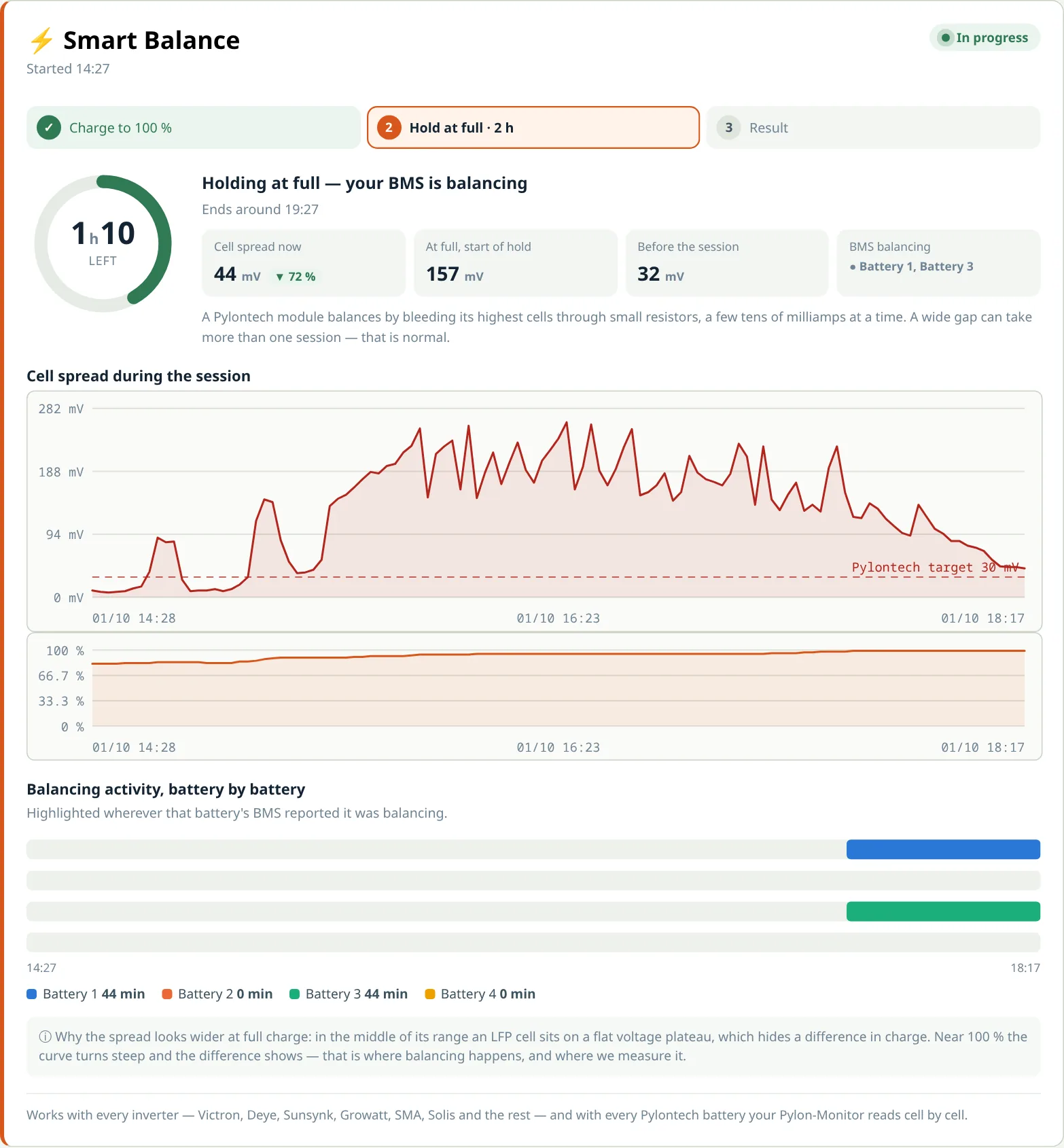
How to Balance Pylontech Battery Cells
Why Pylontech cells drift apart, how to read the spread, the two-hour rule for every inverter, and how Smart Balance runs the whole session and names the weak cell.
Read the guide →
Cheap Pylontech Monitoring: Every Battery and Every Cell, No Subscription
Every way to monitor or diagnose a Pylontech battery compared on real cost — inverter app, PYLON Console, DIY, Solar Assistant, PylonCheck — and the cheapest option that still shows every cell.
Read the guide →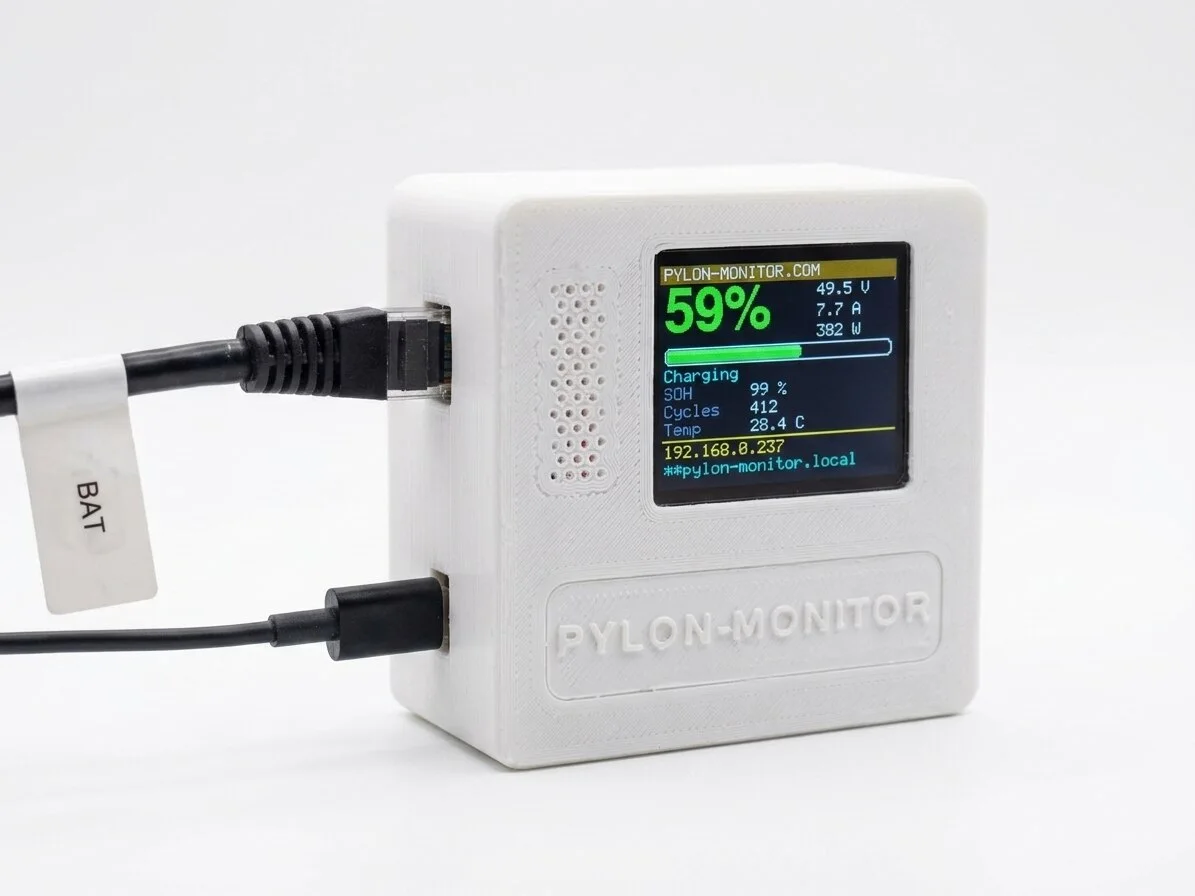
High-Voltage Pylontech Monitoring: the Last Gap Just Closed
Force H2 and H48050 towers were the one Pylontech family no Pylon-Monitor could read. Firmware 2.8 changes that — and with it, the case for every other monitor on the market.
Read the guide →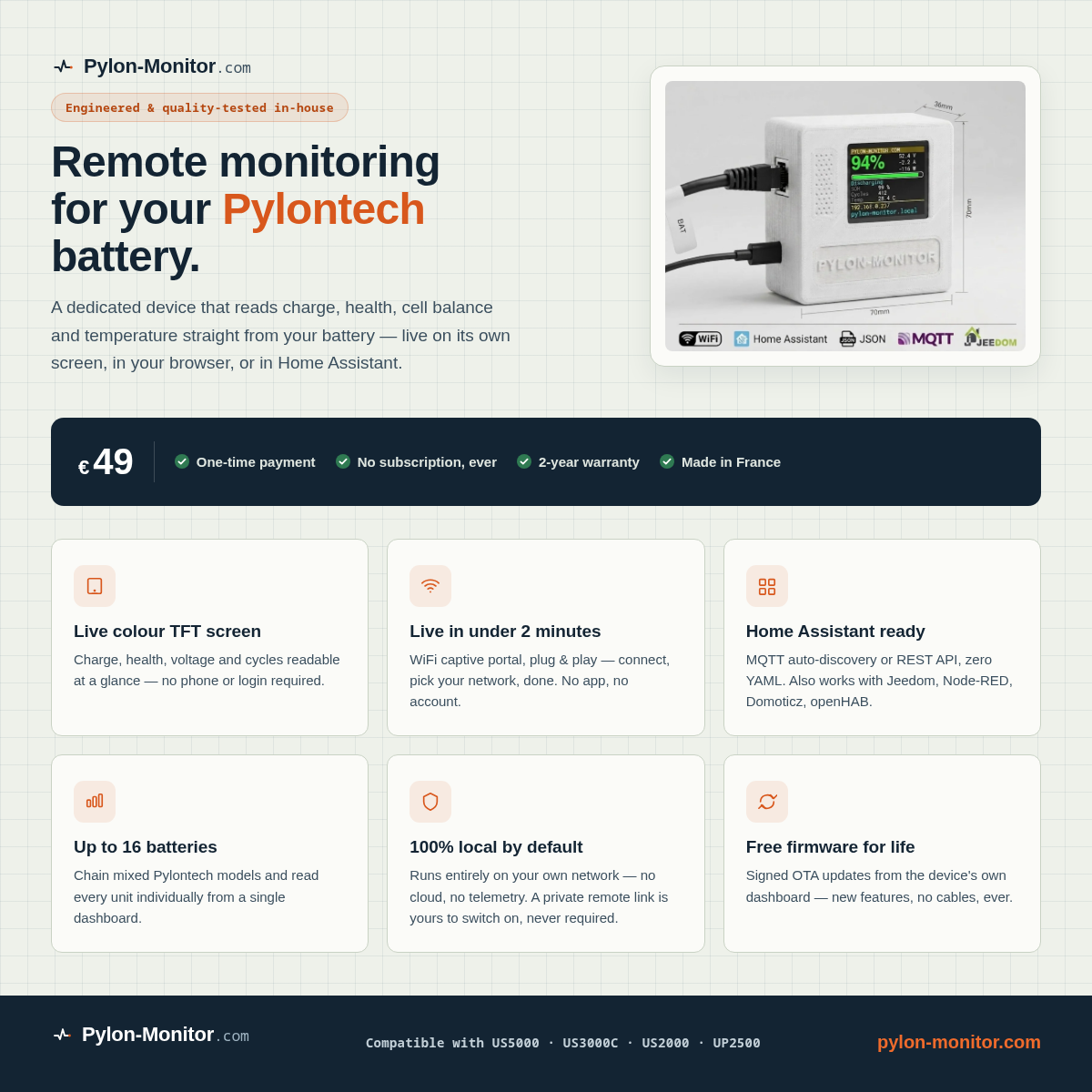
Pylon-Monitor vs PylonCheck: Which One to Choose?
A plain-language buyer's guide: price, the cloud-dependency question, ports, screen and API — and the two points where PylonCheck actually wins.
Read the guide →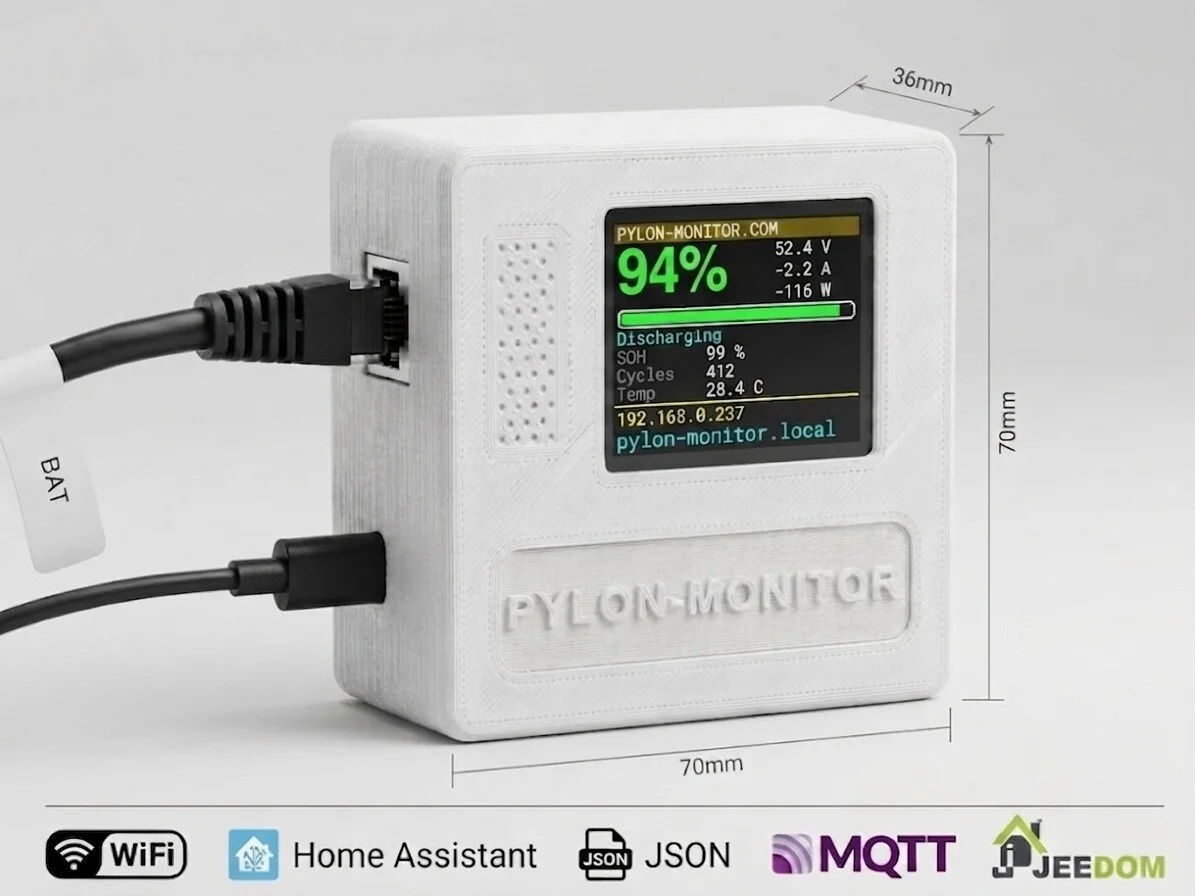
Pylontech Monitoring: The Complete Guide to Watching Your Battery Remotely
What Pylontech monitoring actually means, why the console cable-and-laptop routine falls short, and how wireless, remote monitoring changes daily life with a battery bank.
Read the guide →
How to Check a Pylontech Battery: The Complete Health Checklist
A step-by-step Pylontech check: the eight readings worth verifying, what each should look like, how to read the LEDs and error codes, and when a number is genuinely a problem.
Read the guide →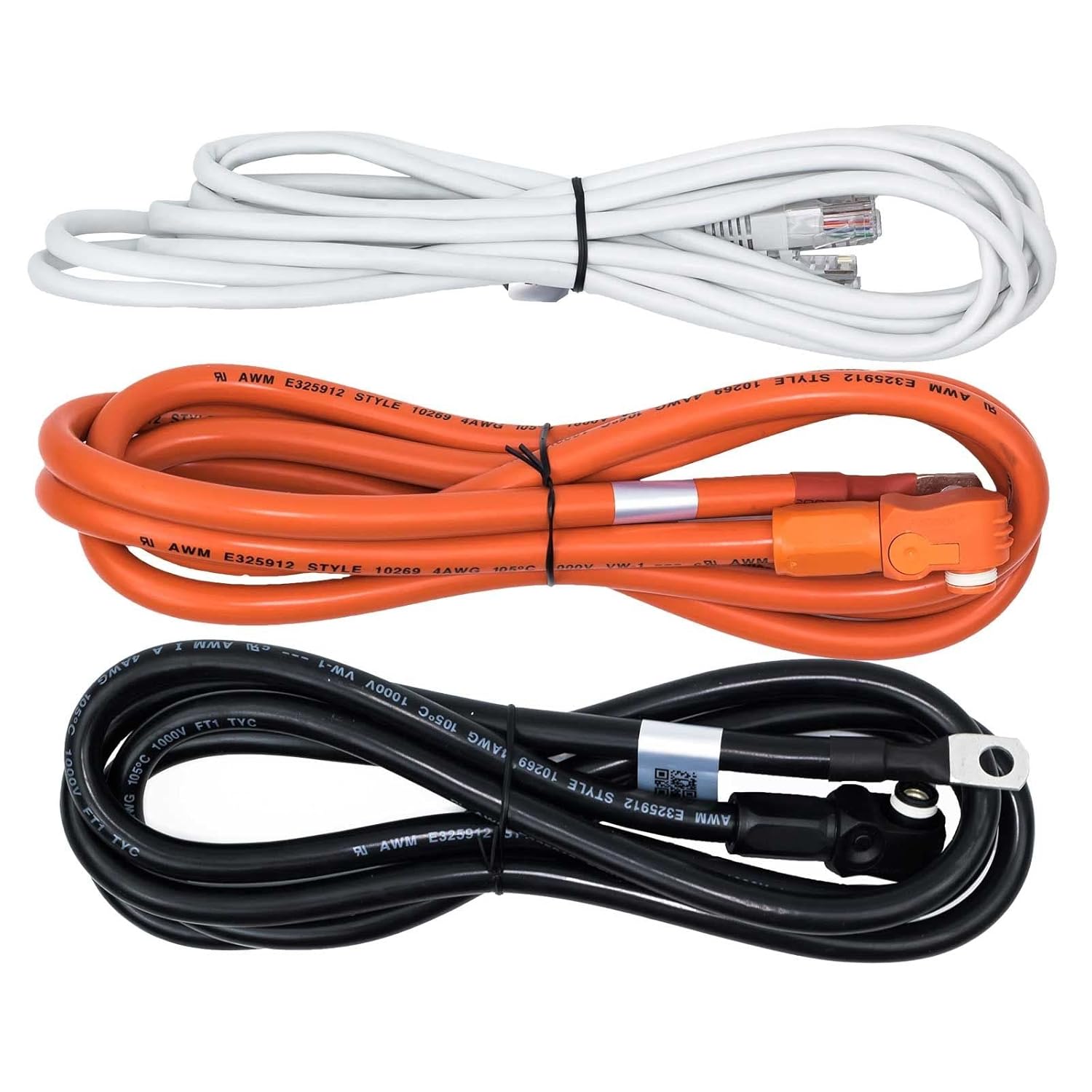
Pylontech Battery Banks: Wiring, Addressing and Monitoring Multiple Batteries in Parallel
How Pylontech battery banks actually wire together — power vs communication chains, addressing, common mistakes, and monitoring every module individually.
Read the guide →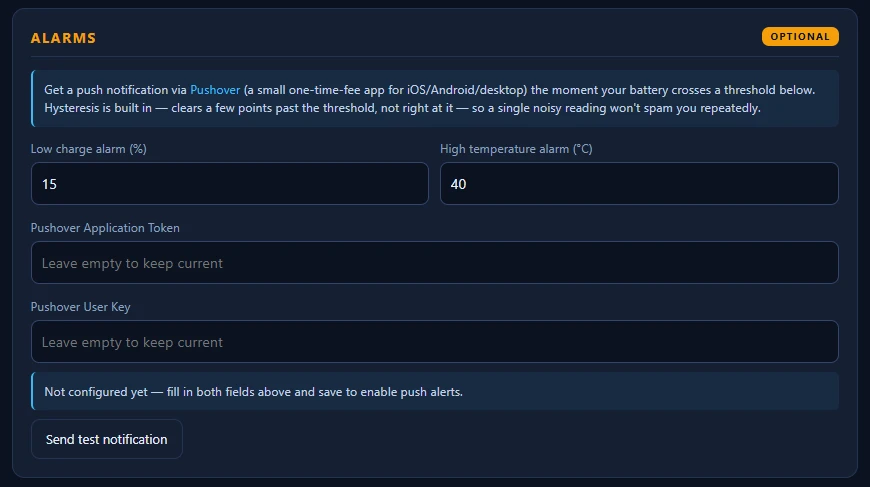
Pylontech Error and Alarm Codes: What They Mean and What to Do
What Pylontech's alarm and protection flags actually mean — by category, by severity, where they surface (LEDs, Console software, inverter), and when one is a real battery problem.
Read the guide →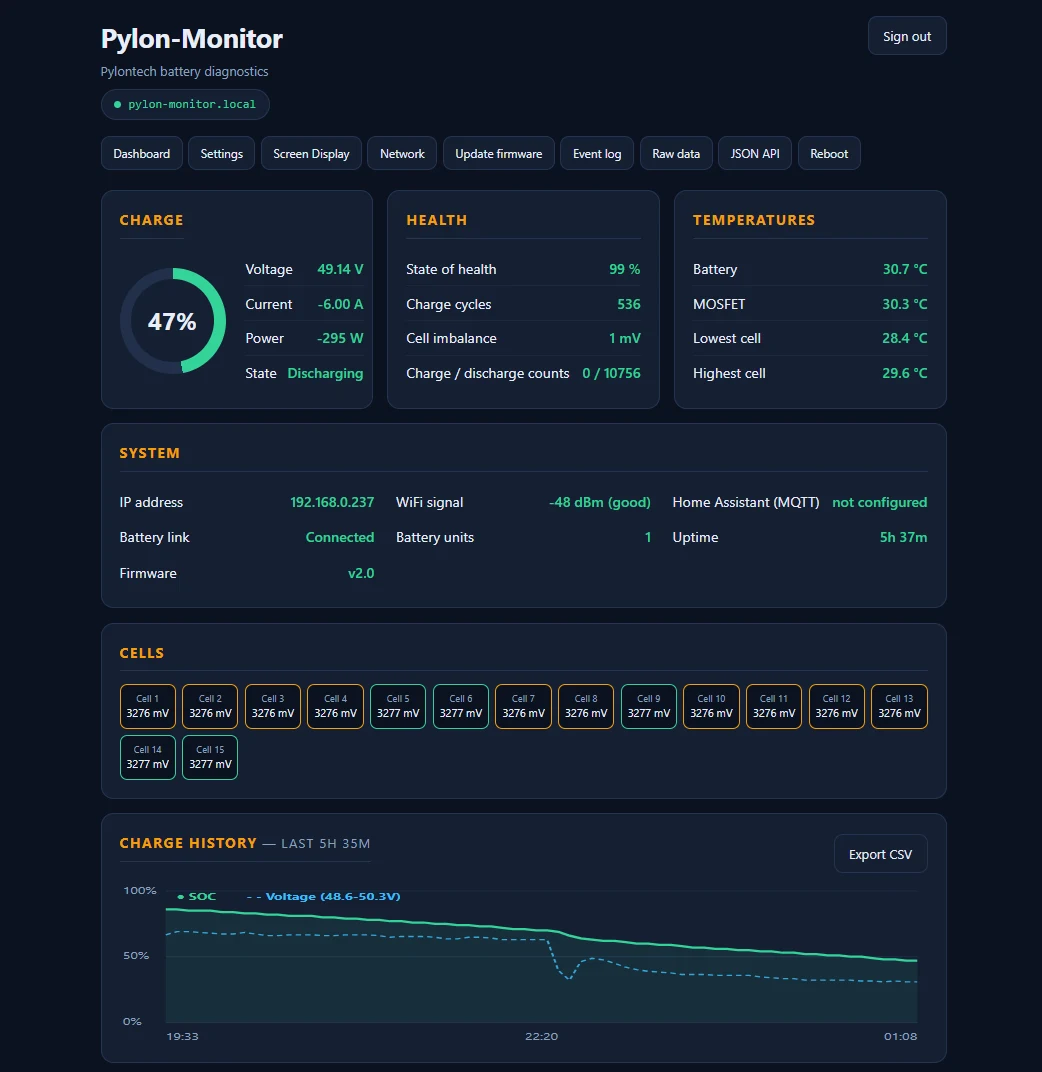
Pylontech Viewer: Every Way to Actually See Your Battery Data
PYLON Console, BatteryView, the inverter screen or a permanent web dashboard — an honest comparison of every Pylontech viewer, what each one shows, and what each one hides.
Read the guide →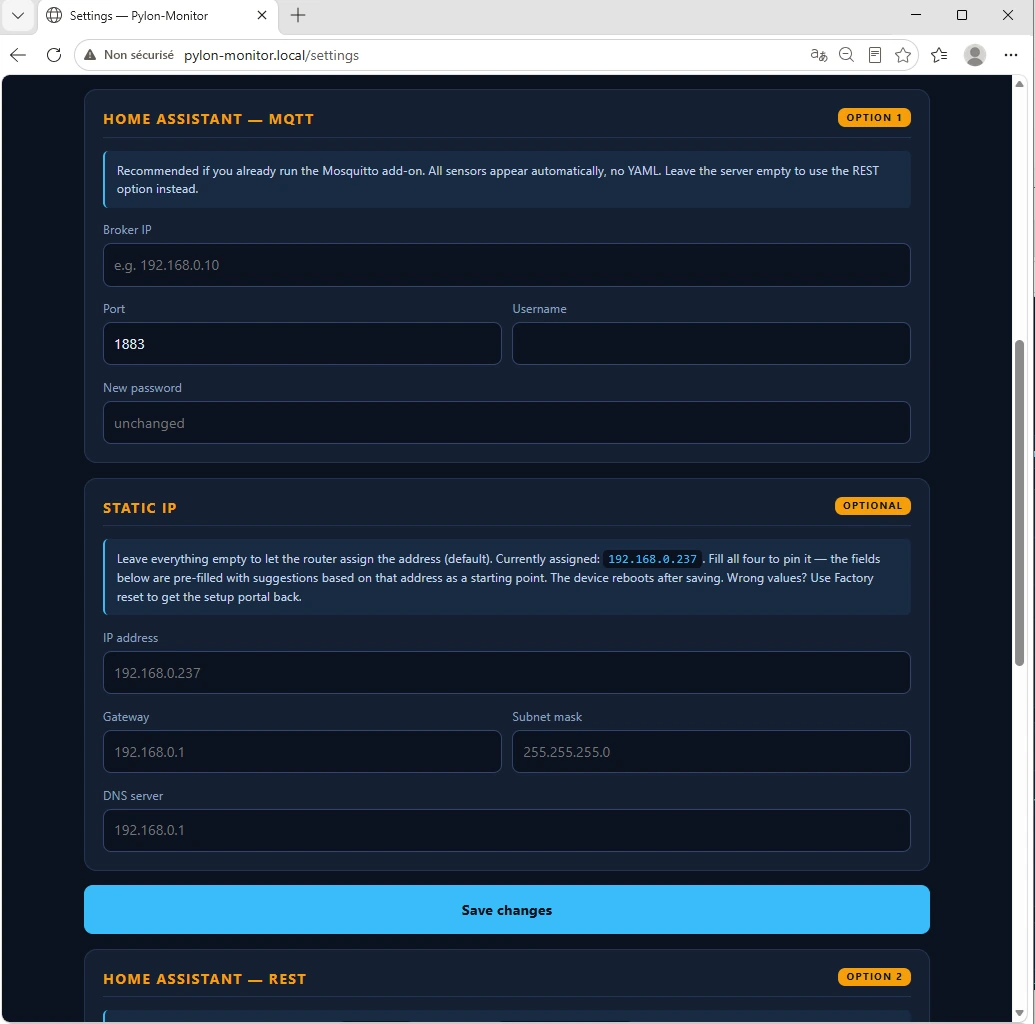
Pylontech in Home Assistant: The Complete MQTT & REST Integration Guide
MQTT auto-discovery vs. the REST platform, which one to pick, and how to get all ten Pylontech sensors live in Home Assistant without writing a line of YAML.
Read the guide →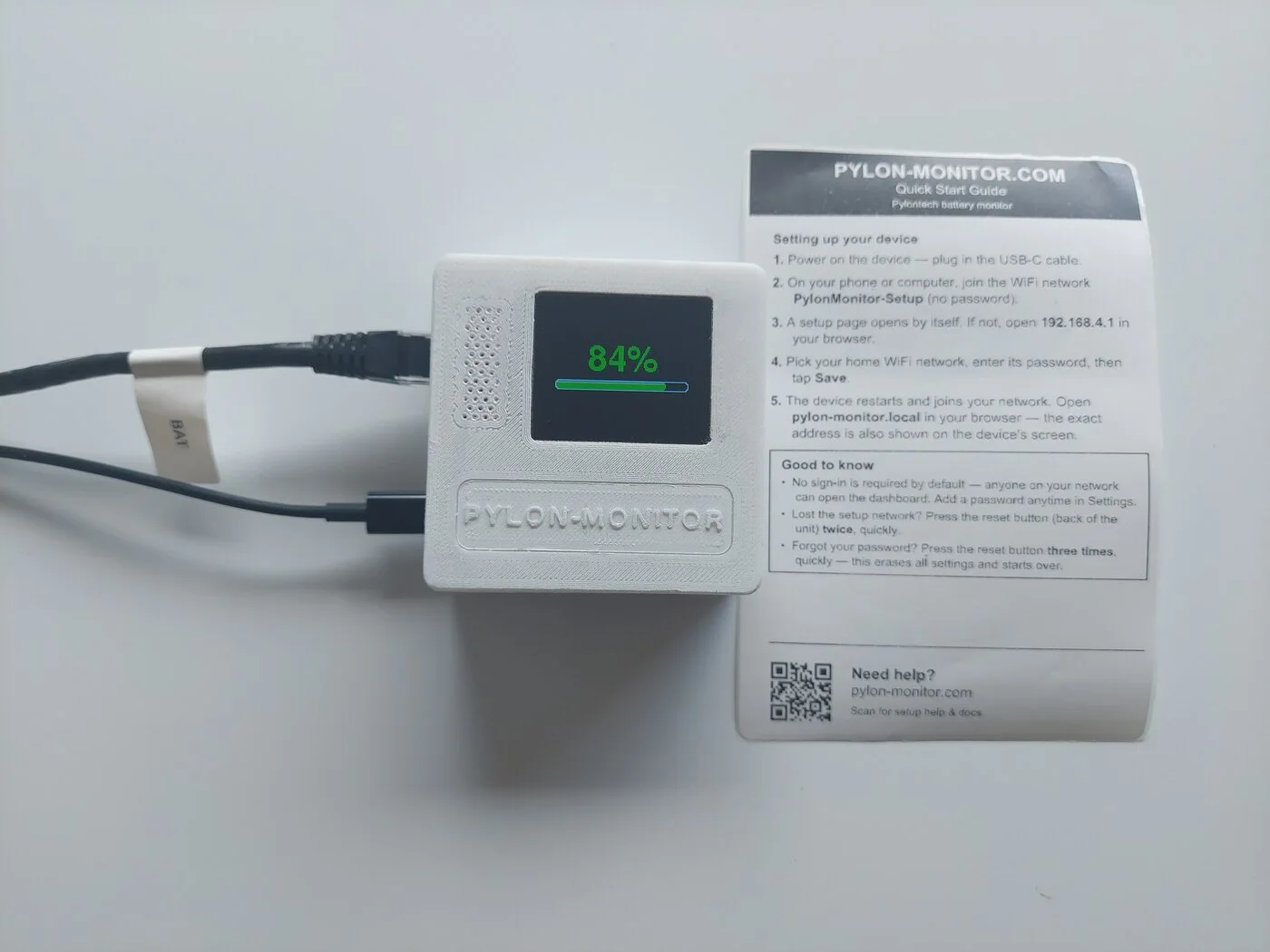
Pylontech Diagnostics 101: What SOC, SOH and Cell Balance Actually Tell You
A plain-English field guide to the numbers your Pylontech battery reports — state of charge, state of health, cell imbalance, cycles — and which ones deserve an alarm.
Read the guide →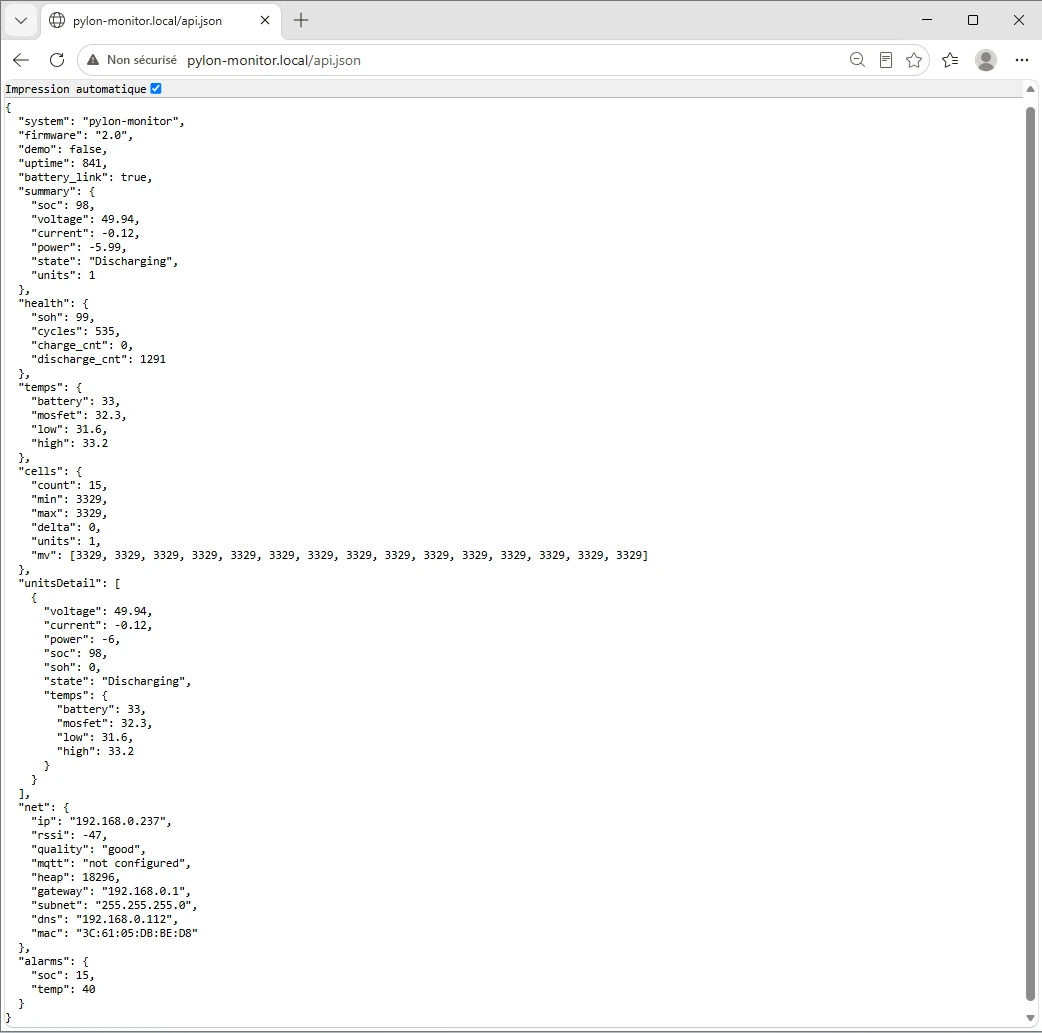
Beyond Home Assistant: Pylontech with Jeedom, Node-RED, Domoticz & openHAB
You don't run Home Assistant? Here's how Jeedom, Node-RED, Domoticz, openHAB, Grafana and a plain shell script all pull Pylontech data from the same one JSON endpoint.
Read the guide →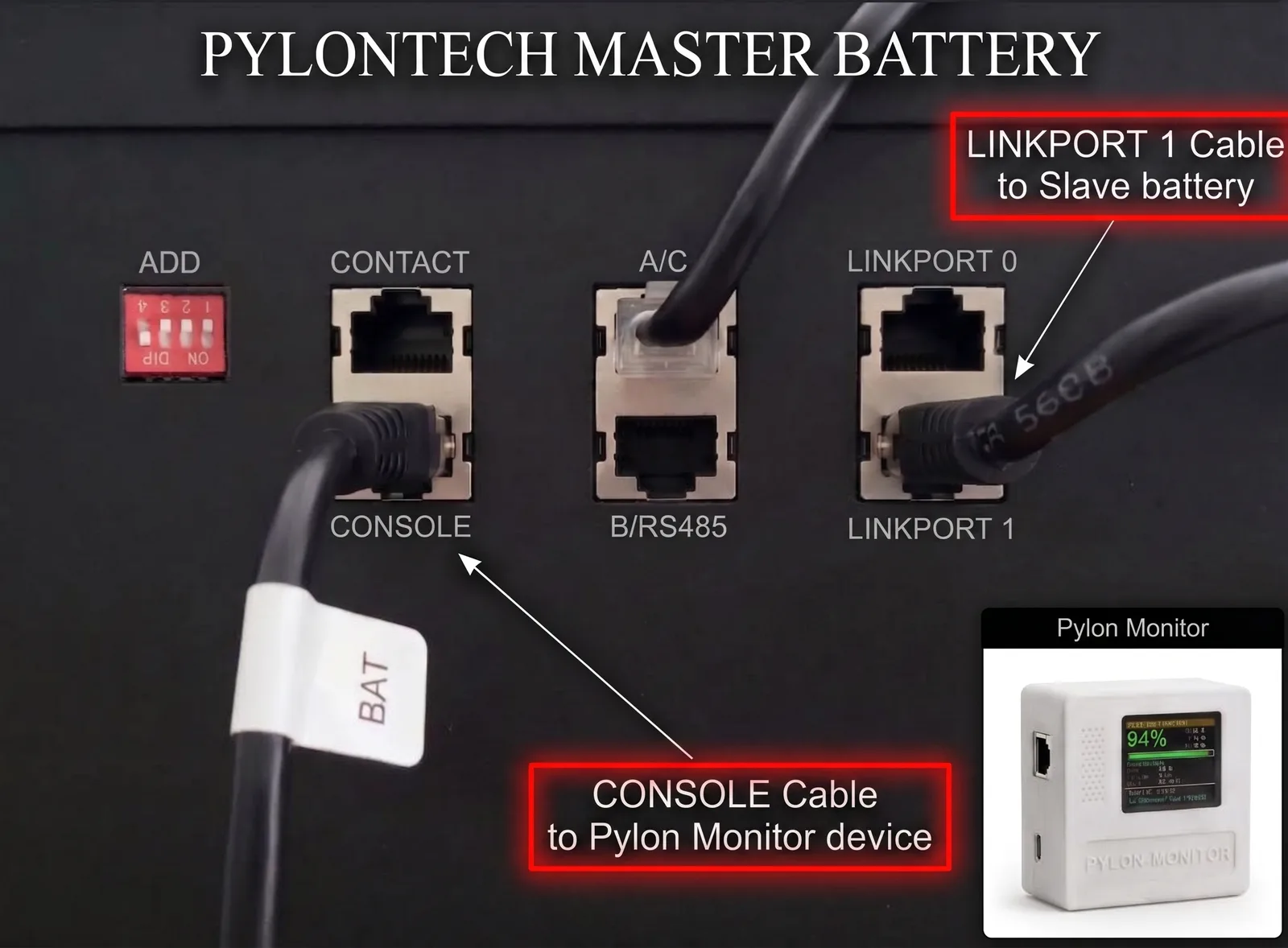
Pylontech and Your Inverter: CAN, RS485 and the Console Port Explained
Which port your inverter takes, what its CAN link deliberately leaves out, and why the Console port is still free for the per-module data you actually want.
Read the guide →Rather see it than read about it?
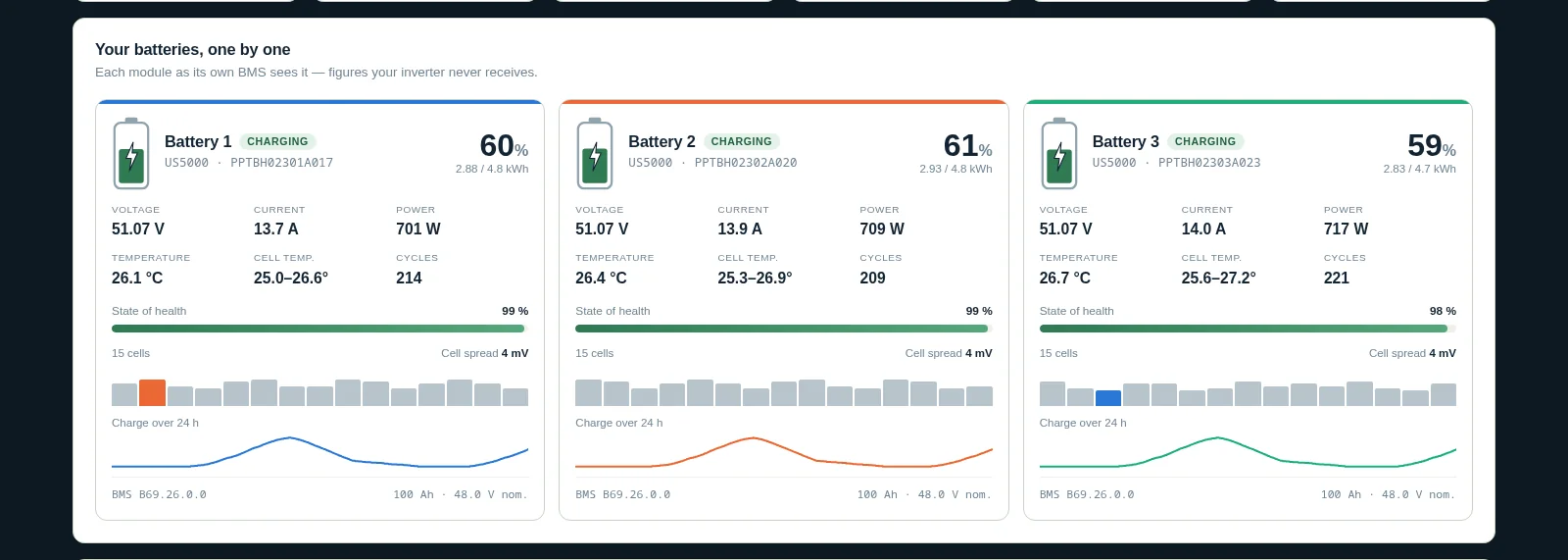
Pylon-Monitor reads every battery and every cell of your Pylontech, live, from your phone — no subscription.
Help center · Community Q&A
Real questions from our customers
Compatibility, setup, Home Assistant, high voltage, ideas on the roadmap — asked by owners, answered by our team, in English and in their own language.
- ShippedIdea: export the CSV per battery, with every cell, not only the pack totals
- AnsweredCan one Pylon-Monitor read a US3000C master with four chained US2000C (5 batteries or more)?
- AnsweredIs Pylon-Monitor compatible with Pylontech H48074 high-voltage modules behind an SC0500 controller?